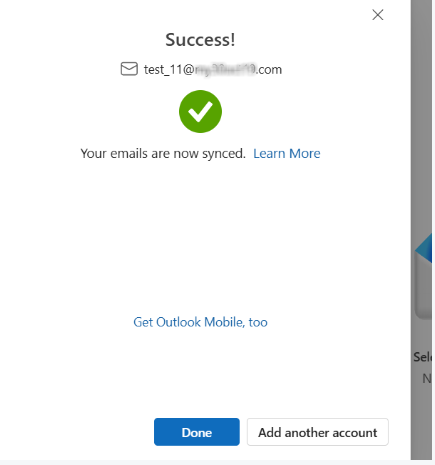
Steps for outlook(New) application configuration.
Please note-
Outlook app need good network connection while configuring new account.
also while configuring account if any thing when wrong like password, server name, port or connection issue then outlook gives the error and we need to wait approx 20 to 30 min for reconfiguration.
1. once you open outlook click on the add account option at left bottom.
2. after clicking on add account new pop will be shown as given below.
3. enter the mail id you want to add.
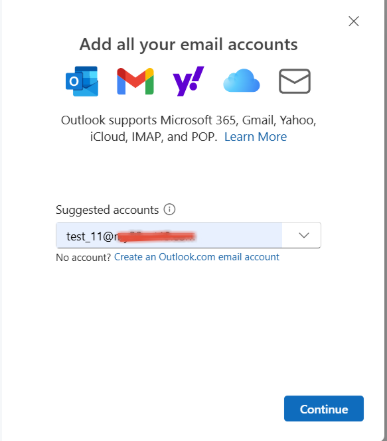
4.once you click continue you will get option to select email provider click on imap
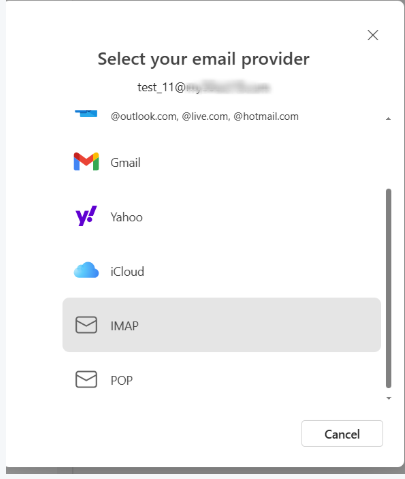
5. once you click on IMAP new pop will be on as given below
6. enter below details
incoming server domainname.mithiskyconnect.com, port 993 secure connection type ssl/tls
SMTP outgoing server domainname.mithiskyconnect.com, port 587 secure connection type startTLS
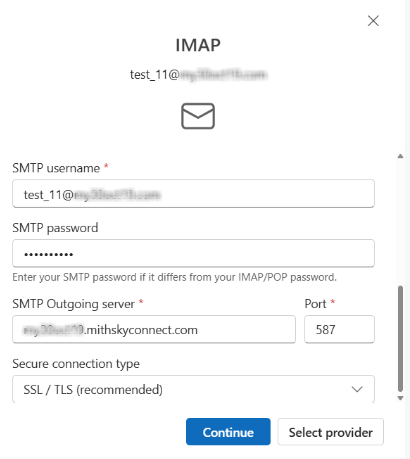
7. once you enter details click on continue.
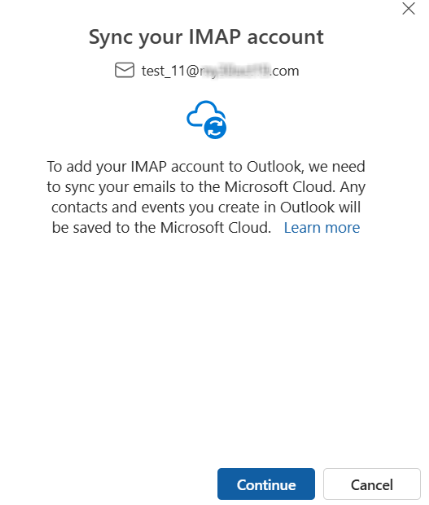
9. again press continue